
How to Plan Multi-Store Deliveries During Holiday Demand Spikes

Key Takeaways
- Holiday demand may rise unevenly across stores, so one restock plan for every branch can leave some shelves empty and others overstocked.
- A store table with expected demand, current stock, and receiving windows is the base of a holiday delivery plan.
- Routes, stock allocation, and a held-back safety allocation turn that table into a dated calendar.
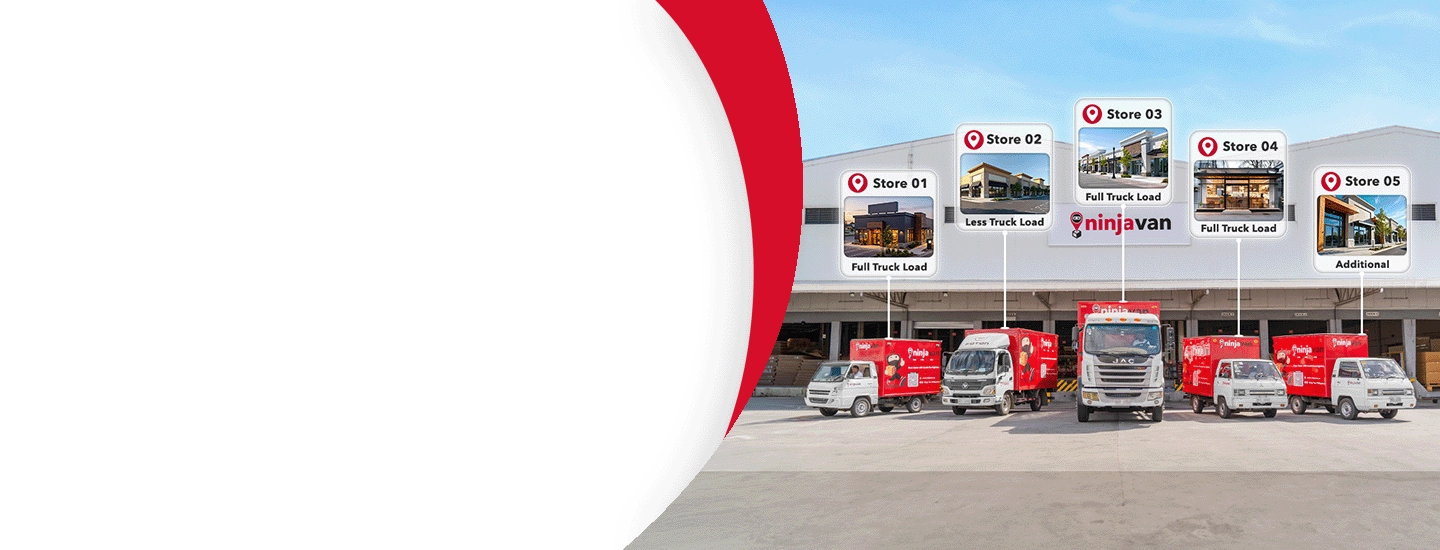
- Ninja Restock offers full truckload (FTL) and less-than-truckload (LTL) options, co-loading, and delivery from one warehouse to multiple drop-off points.
- Each drop can be followed on the Ninja Dashboard, and a weekly plan review helps you adjust when a delivery slips.
To plan multi-store deliveries for holiday demand, rank your stores by expected sales, list each store’s receiving windows, group stores into routes, and hold back stock for top-up deliveries. Then follow every drop and review the plan each week. Holiday sales may not rise evenly across a store network, so one plan for all branches can leave some shelves empty.
Online buying shows the same pattern across places. The Philippine Statistics Authority reports that 36.7% of internet users aged 10 years and above in the Philippines purchased goods or services online in 2024, while Region II stood at 34.6% (preliminary results). The 2026 e-Conomy SEA report, as covered by BusinessWorld, expects the Philippine digital economy to reach USD 42 billion in gross merchandise value this year, up from USD 36 billion in 2025. Store networks face the same unevenness, and a dated plan helps each store get the right stock at the right time.
Map Store Demand, Stock and Receiving Windows
Build one table of all stores. Give each store a row with expected holiday demand, current stock, and the days and hours it can receive goods. The table becomes the base for every later decision.
Rank Stores by Expected Demand
Use last season’s sales, promotion calendars, and foot traffic to rank stores as high, medium, or low demand. The ranking decides which stores get stock first and which can wait for a top-up. A small group of high-demand stores often needs the earliest and most frequent deliveries.
Check Each Store’s Receiving Windows
List receiving days, hours, dock limits, and a contact person for each store. Many stores cannot receive goods during peak shopping hours, so a truck that arrives at the wrong time may wait or be turned away. Confirm windows directly with each store and update them before the holiday plan is locked.
Build One Holiday Plan From the Branch List

Turn the store table into a calendar. Decide which stores get stock first, how often each store is served, and which dates are held for top-up deliveries. A simple week-by-week table is enough.
| Week | Stores | Stock to send | Delivery day |
| Week 1 | High-demand stores | Opening stock for the holiday campaign | Agreed receiving day |
| Week 2 | All stores | Scheduled replenishment | Agreed receiving day |
| Week 3 | Fastest-selling stores | Top-up from held-back stock | Agreed receiving day |
| Week 4 | Stores with gaps | Final top-up and rebalancing | Agreed receiving day |
Treat the table as a template and replace it with your own dates and quantities. Share the plan with every store and with your logistics provider once the dates are set. Stores can then prepare receiving staff and space, and the provider can confirm capacity for each delivery day. Keep one owner for changes, so a date moved for one store does not clash with another route.
Allocate Stock by Route, Store Demand and Receiving Windows
Group stores into routes so nearby stores share a delivery, and serve the highest-demand stores first. Start with geography, then adjust for receiving windows. Two nearby stores with different receiving hours can still share a route when one is served earlier in the day. A route works when the stock, the stores’ receiving windows, and the delivery day all fit together.
Choosing Between Full Truckload and Less-Than-Truckload
Choose the truckload option route by route. Use a decision table such as this one to compare routes before you book.
| Route | Volume | Number of stores | Receiving windows | Delivery frequency | FTL or LTL |
| Route A | Your estimate | Your count | Your windows | Your schedule | Your choice |
| Route B | Your estimate | Your count | Your windows | Your schedule | Your choice |
Ninja Restock offers both FTL and LTL, and neither is better in every case. Full truckload suits routes with enough volume to fill a truck, while less-than-truckload suits smaller loads that share space with other shipments.
Keeping a Safety Allocation
Hold back a share of stock for top-up deliveries to the stores that sell fastest. If nothing is held back, a mid-peak top-up has nothing to draw on, and the stores that need stock most are the ones that run short.
Multi-Drop Labels, Manifests and Receiving Contacts
Prepare clear store labels, a delivery manifest with quantities per store, and a receiving contact for every drop. The driver and each store can then check a delivery against the same document.
Labelling and Packing by Store
Pack and label cartons or pallets per store, so unloading is quick and each store receives its own goods. Mixed cartons slow the unloading and raise the risk of items reaching the wrong store.
Delivery Documents and Receiving Checks
Good practice is to ask stores to check delivered quantities against the manifest and note any shortage on the delivery receipt. This is not a Ninja Van requirement, and your own receiving procedure applies. A noted shortage the same day is easier to resolve than one raised weeks later.
Track Deliveries and Adjust When Plans Slip
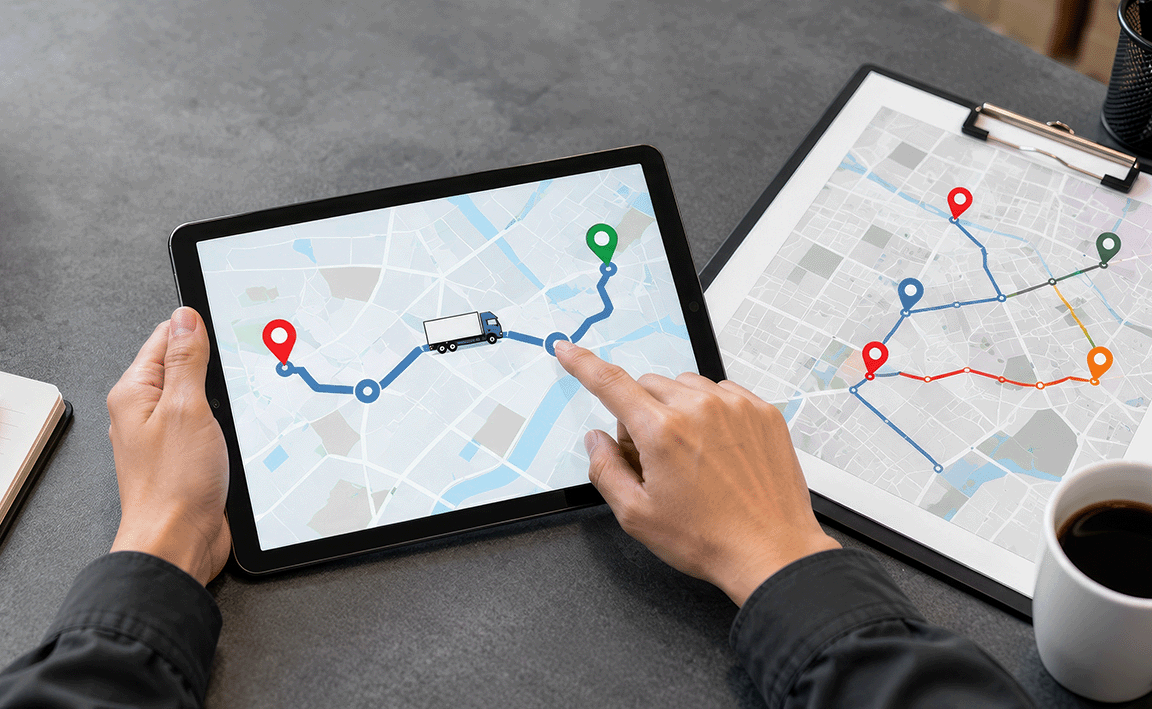
Follow each drop on the Ninja Dashboard, which shows shipment status from pick-up to delivery. Agree in advance what happens when a store is closed, a road is blocked, or stock arrives late.
Exceptions Worth Planning For
Plan for these common exceptions:
- a store that is not ready to receive
- a short shipment
- damaged goods
- a late pick-up
Decide for each one who chooses the next step and how fast the store is told. Write the answers into the plan before the first delivery, so the team does not have to decide under pressure on the day.
Reviewing the Plan Weekly
Check sell-through every week and move the next delivery to the stores that are selling the fastest. A weekly review turns the plan into a working tool and uses the held-back stock where it is needed.
#NinjaTip: Hold a dated slot for a mid-peak top-up delivery before the first delivery goes out. Capacity is easier to book early than after shelves run low.
How Ninja Restock Supports Multi-Location Distribution
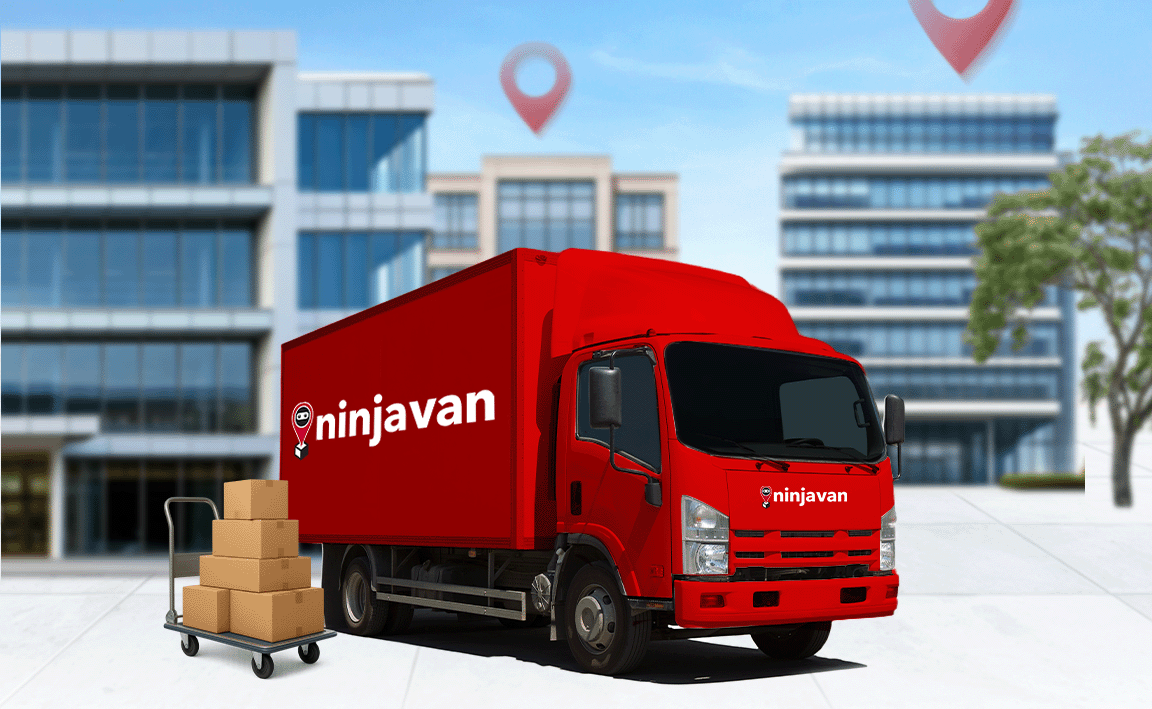
Ninja Van runs Ninja Restock, a B2B restocking service with FTL and LTL options. Its co-loading model removes the need to rent a full truck, and goods can move from one warehouse to multiple drop-off points, including a single pick-up for several outlets in one booking. Shipment tracking is available on the Ninja Dashboard.
Ninja Restock delivers within Metro Manila, GMA, and Central and North Luzon. Check the latest coverage for your store locations before you lock a holiday plan.
Mapping out holiday deliveries for your stores? Contact the Ninja Van team to talk through your routes and request a quote.
FAQs on Multi-Store Deliveries During Holiday Demand Spikes
How early should a retailer plan multi-store deliveries for the holiday season?
Plan the store table and route plan well before the first holiday promotions start, and book delivery capacity early. The exact dates depend on your own sales calendar, so work backwards from the date each store needs opening stock and confirm capacity with your logistics provider.
Should a retailer use FTL or LTL for holiday restocking?
The choice depends on route volume, the number of stores, receiving windows, and delivery frequency. Neither option is better in every case. Compare your routes in a decision table, then book the option that fits each route. Revisit the choice when volumes change during the peak, since a route that suits LTL early on may need FTL later.
How can a brand decide which stores get stock first?
Rank stores by expected demand, current stock, and receiving windows. High-demand stores with low stock and open receiving windows go first, and slower stores can wait for a top-up delivery from held-back stock once sales show where it is needed.
Can Ninja Restock deliver to several stores in one booking?
The Ninja Restock page describes restocking multiple outlets with a single pick-up in one booking, and sending goods from one warehouse to multiple drop-off points. Bring your store list, receiving windows, and delivery dates to the booking, so each drop can be planned from the start.